How to Make an Online Yoga Class Easier to Follow
Design clear virtual yoga classes using consistent camera angles, concise verbal cues, and professional scope boundaries for student safety.
https://primetempr.com/blog/how-to-make-an-online-yoga-class-easier-to-follow
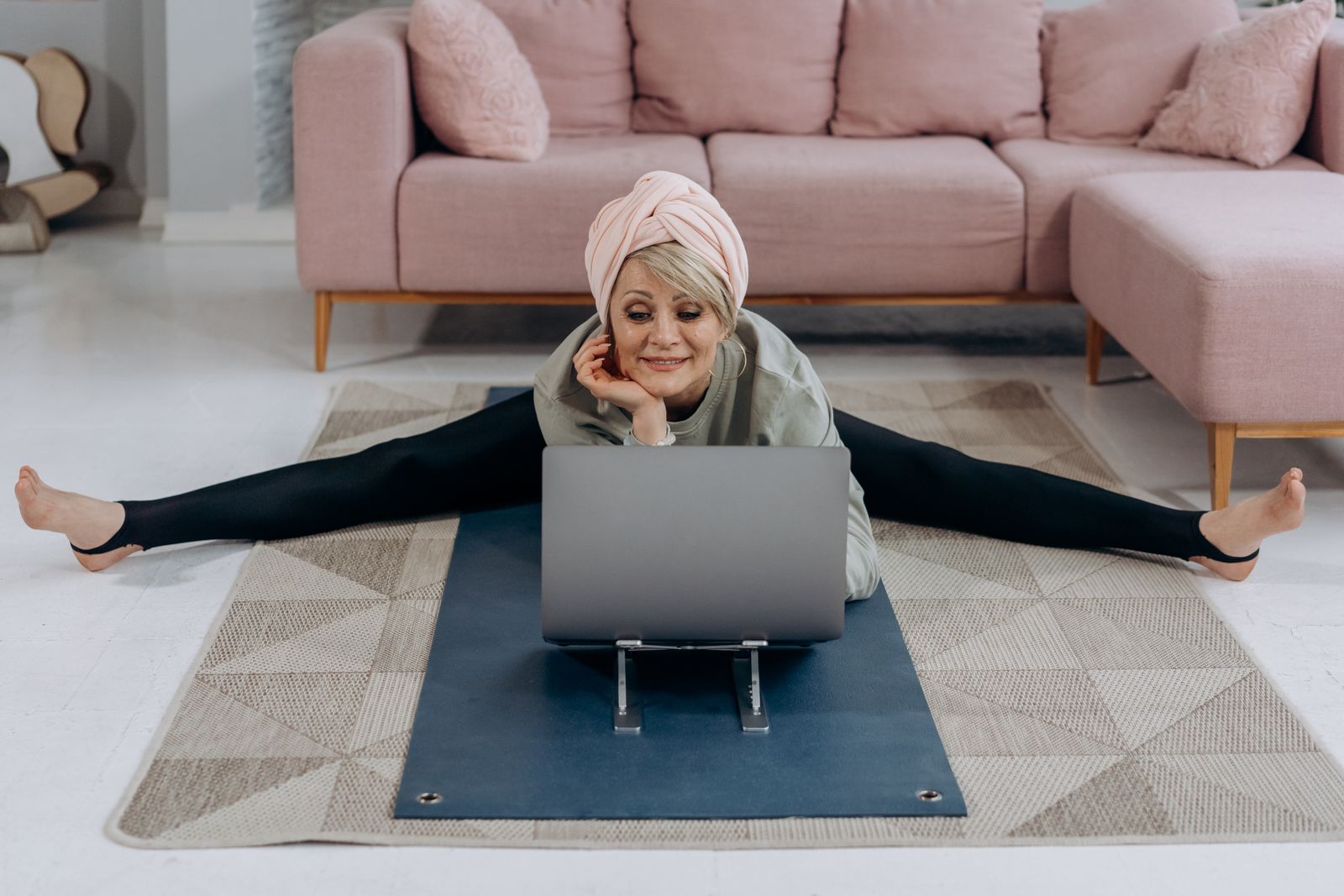
Students often struggle to follow online yoga classes because verbal instructions conflict with mirror-imaging angles, screen fatigue, or excessive talking. When practitioners stare at a small laptop or phone screen, visual tracking becomes difficult, and multi-part cues easily cause cognitive overload. Making a virtual class easier to follow is less about investing in cinematic camera gear and more about deliberate spatial orientation, concise language, and staying strictly within your training scope.
Yoga styles and demands vary, which means qualified teaching and suitable modifications matter for safety. This guide examines the root causes of virtual confusion and offers a practical path forward for teachers and movement trainers.
Why Online Yoga Students Get Lost
Virtual movement classes remove the shared tactile feedback of a physical studio. In an in-person room, an instructor can read body language instantly or adjust a student posture with a light touch. Online, those options disappear entirely.
Instead, participants rely entirely on a small two-dimensional window. If your verbal description does not match your visual presentation, students freeze, second-guess their positioning, or strain their necks to keep looking back at the screen. Screen fatigue sets in quickly when an instructor talks continuously without giving the nervous system a moment to settle into the movement.
Recognizing these friction points allows you to design classes that respect cognitive load and support physical safety.
Refining Spatial Awareness and Camera Angles
Visual clarity starts before you press record or start live streaming. If you constantly switch left and right without a consistent strategy, students will stumble over basic directional transitions.
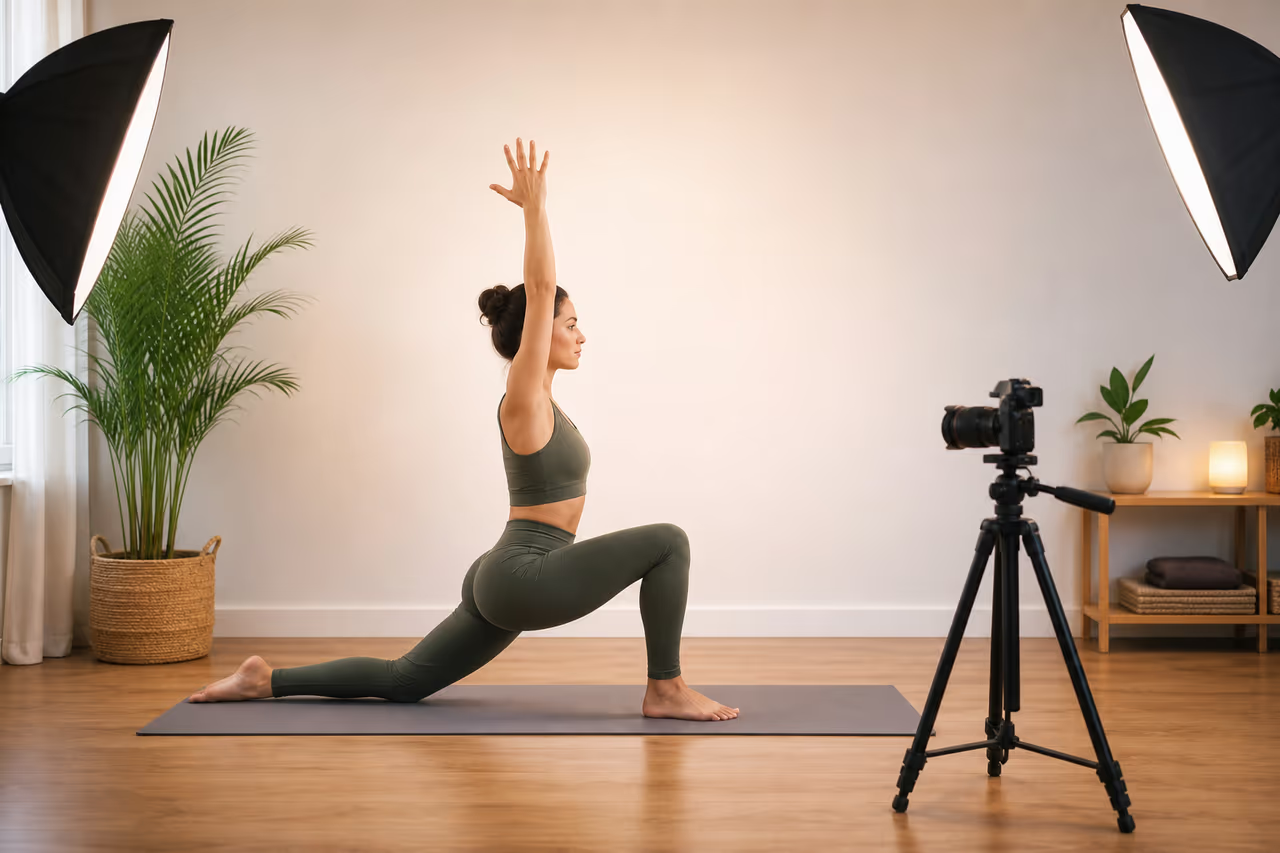
Decide whether you will use a mirror-image approach where you move opposite to the class or a raw perspective where your left is literally their left. Consistency matters more than the specific choice. Position your camera so your entire mat is visible from both a front-facing and a profile angle. Good lighting also plays a major role; if your limbs cast shadows against the background, students lose the visual cues needed to track alignment safely.
Simplifying cues for video may reduce the subtle nuance experienced in a live, in-room class, but it increases accessibility for practitioners working from home. Fixed camera angles cannot capture every student individual alignment simultaneously, so your verbal guidance must bridge the visual gap.
Simplifying Verbal Cues for Screen Fatigue
When students watch a screen, long explanations cause mental exhaustion. Strip away redundant talking and focus on a single focal point per movement.
Instead of giving a three-part instruction regarding foot placement, pelvic tilt, and shoulder rotation all at once, sequence them one breath at a time. State the primary anchor point first, such as grounding through the front heel, before layering secondary refinements. Keep your voice steady and leave silent spaces so students can process the instruction without rushing to keep up with your speech rate.
Maintaining Scope of Practice Online
Virtual teaching often encourages participants to ask specific questions in the chat about chronic pain, old injuries, or rehabilitation. These inquiries can easily tempt a teacher to step outside their professional boundaries.
Yoga teachers should teach within their training, experience and competence and refer students to qualified professionals when needs fall outside that scope. If an online participant asks how to manage a clinical injury or acute joint pain, provide a general modification or rest option, but clearly direct them toward physical therapy or medical care. Establishing these professional boundaries protects your students and keeps your online offerings responsible.
Prime Tempr gives teachers a storefront, free practice library and discovery profile where clear offers and responsible teaching information can become a coherent student journey.
Online Class Clarity Checklist
Use this checklist to audit your next virtual class plan and remove unnecessary friction for your students.
- Audit your current camera angle to ensure left and right mirror cues are consistent throughout the session.
- Reduce multi-part instructions into single, sequential movement cues that match the breath.
- Include clear baseline modifications for different energy levels and mobility constraints.
- State your professional scope and referral boundaries clearly in your class introduction or welcome message.
Frequently Asked Questions
Why do online yoga classes cause more fatigue than in-person sessions?
Fixed screens require constant visual scanning and neck rotation. Without tactile adjustments from a teacher, students also tend to hold muscular tension while trying to decode complex verbal directions.
How do I handle students asking for injury advice in the chat?
Acknowledge their presence with compassion, offer a generic resting posture or safe baseline modification, and explicitly state that your class is educational movement rather than clinical rehabilitation.
Should I use multiple cameras for teaching?
A single, well-lit angle with clear framing is usually sufficient. Overcomplicating tech setups often introduces audio delays and technical distractions that detract from the teaching.
Continue with guidance
Use this article as orientation, then How to Plan a Yoga Class Around One Clear Outcome when you want responsive guidance or a practice format matched to you.
Sources
Watch alongside this guide
An inclusive guide to yoga and meditation
This inclusive introduction gives teachers a concrete example of choice, clarity, and sensory-aware presentation. Source: Autism BC. This optional video is context, not evidence or personal instruction.
The YouTube player stays unloaded until you choose to watch. Loading it connects to YouTube and may allow that service to process usage data.