What an Ergonomic Setup Can and Cannot Fix by Itself
Learn what your ergonomic desk setup can and cannot fix, and choose one realistic way to move more today.
https://primetempr.com/blog/what-an-ergonomic-setup-can-and-cannot-fix-by-itself
An ergonomic workstation supports neutral, comfortable positions, but it cannot eliminate the physical cost of prolonged sitting without regular changes of position and active movement. Office workers often invest in ergonomic chairs and adjustable desks expecting physical ease, only to find that sitting still in a fixed posture for nine hours still leads to stiffness, shoulder fatigue, and general exhaustion.
Understanding what an ergonomic setup achieves and where it stops helps you manage your workday without turning your job into an exhausting fitness project.
The promise and limits of ergonomic workstations
The primary purpose of an ergonomic workstation is to reduce physical stress on joints and muscles by aligning your body into a neutral posture. According to workplace safety guidelines from the Occupational Safety and Health Administration, a workstation should support neutral, comfortable positions, but even a good setup should allow regular changes of position.
This distinction is essential. Ergonomic furniture provides external support for your spine, arms, and wrists, reducing unnecessary reaching and awkward joint angles. However, furniture cannot generate muscle activity or joint lubrication on its own. Sitting in an ideal shape for hours still places static loads on the body, restricting blood flow and leading to fatigue.
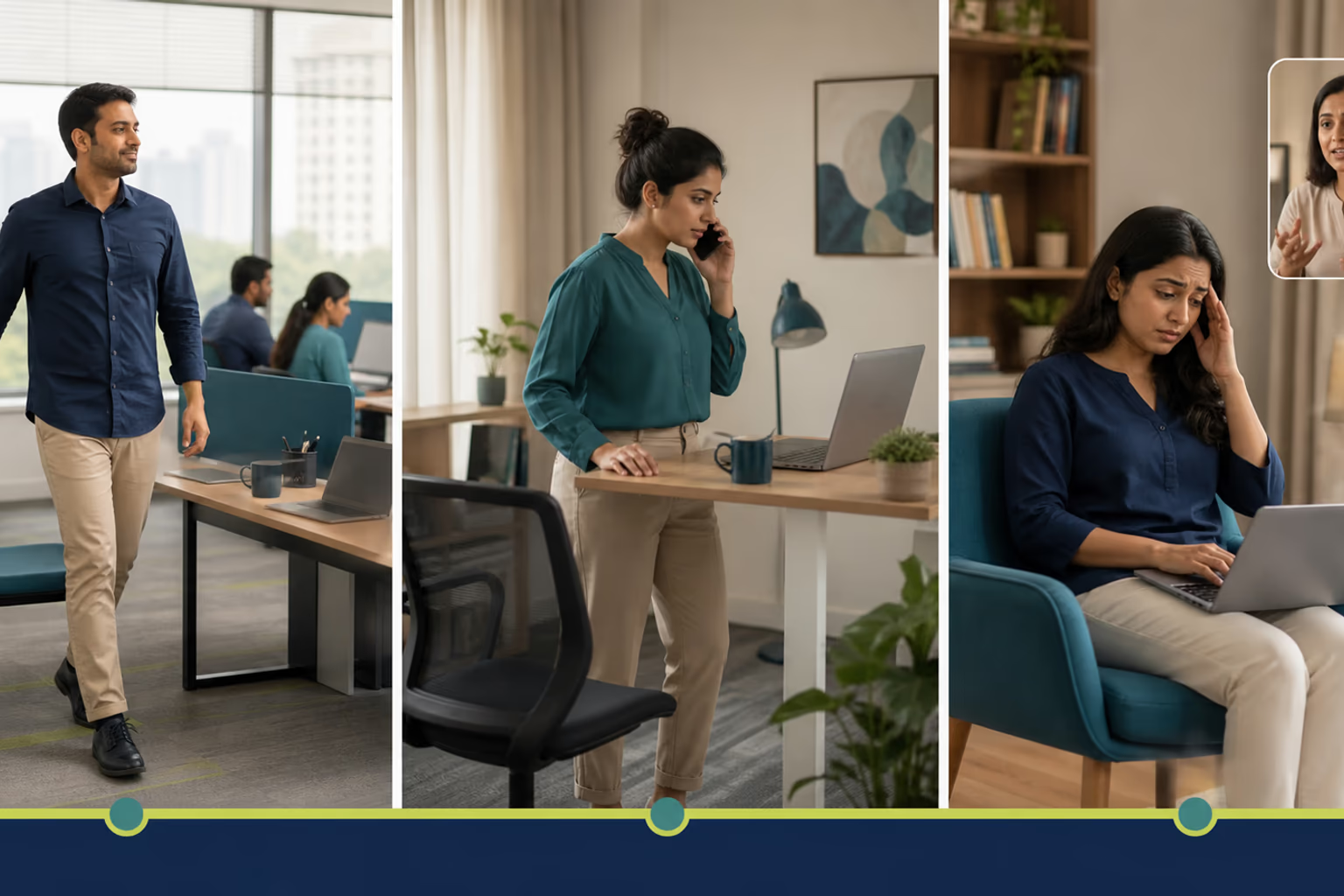
Why neutral posture still leads to stiffness
Many desk workers treat posture as a rigid position to hold all day. They buy a high-end mesh chair, adjust the armrests to the exact height of the desk, and try to remain motionless with a straight spine. This approach usually backfires.
Human bodies are built for movement. When you maintain any single posture for hours, the stabilizing muscles around your spine and hips remain in a state of low-grade contraction. Without variation, joints receive less synovial fluid movement, and tissues adapt to that fixed shape.
Physical activity guidelines emphasize that all physical activity counts, any amount is better than none, and adults should limit sedentary time. Waiting until the end of the day to stretch or exercise does not undo the hours of uninterrupted sitting. Movement must be distributed throughout the working hours.
Integrating regular position changes into a busy day
Breaking up sedentary time in a compact home office or a busy corporate desk does not require a complex exercise regime. You can manage this with a minimum version, a normal version, and a clear next step based on your daily schedule and workspace constraints.
- Minimum version: Stand up for one minute during every phone call, or stretch your arms overhead while your computer loads a large file.
- Normal version: Step away from your desk for a two-minute walking break every hour, or alternate between sitting and standing if you use an adjustable desk converter.
Taking regular movement breaks requires interrupting deep focus or managing a tight meeting schedule, which is a genuine trade-off. When workloads peak, stepping away feels counterproductive. However, short pauses often restore focus and reduce the afternoon slump that comes from prolonged stillness.
Ergonomics and movement checklist for desk days
Use this practical decision guide to evaluate your current routine and select a sustainable adjustment.
- Check that your workstation supports a neutral, comfortable position based on standard ergonomic guidance.
- Plan regular changes of position throughout your workday rather than attempting to hold one static posture.
- Limit continuous sedentary time by building short, manageable movement habits into your schedule.
- Choose one proportionate next step: adjust your hardware setup, use a short movement break, or explore guided support when self-directed habits stall.
Choosing your next step
Self-directed adjustments work well when your schedule allows for routine pauses. Yet, busy days, tight deadlines, or unfamiliar stiffness can make it difficult to maintain consistency on your own. When self-directed movement breaks need more structure or personal observation, Prime Tempr helps desk-based readers compare trainers, short practices, and nearby classes to find sustainable support that fits their routine.
Explore Movement for Desk-Job Days for additional practices, or find practical movement support to connect with experienced local guidance.
Follow-along reflection
Use the prompts below to review the idea in context, without turning it into a diagnosis or a fixed rule.
Ergonomics & movement checklist for desk days
- Check that your workstation supports a neutral, comfortable position (OSHA guidance).
- Plan regular changes of position throughout your workday rather than holding one posture.
- Limit continuous sedentary time by building short, manageable movement habits.
- Choose one proportionate next step: adjust your setup, use a short movement break, or explore guided support.
Trade-offs to keep in view
- Ergonomic furniture improves comfort and support, but it cannot generate muscle activity or joint mobility on its own.
- Taking regular movement breaks requires interrupting deep focus or managing a busy meeting schedule.
If this approach does not fit
When a setup alone fails to relieve stiffness, step away from the desk briefly, incorporate simple position shifts during calls, or explore structured movement support.
Questions to carry forward
- What is the actual purpose of an ergonomic workstation?
- Why does a good chair and desk setup still leave you feeling stiff?
- How much physical activity is actually needed during a sedentary workday?
- When is a self-directed setup enough versus when should you seek professional guidance?
Sources
- Computer Workstations, Occupational Safety and Health Administration, https://www.osha.gov/etools/computer-workstations (opens in a new tab)
- Physical Activity, World Health Organization, https://www.who.int/news-room/fact-sheets/detail/physical-activity (opens in a new tab)
- Computer Workstations (opens in a new tab)
- Physical activity (opens in a new tab)
Watch alongside this guide
Five movements you can do at your desk
This concise Mayo Clinic demonstration gives readers a visual menu for changing position during a workday. Use only comfortable options and stop for pain, dizziness, numbness or unusual symptoms.
The YouTube player stays unloaded until you choose to watch. Loading it connects to YouTube and may allow that service to process usage data.