The 5-Minute Reset: Move Between Back-to-Back Video Calls
Use this five-minute movement break between video calls to reset your focus without turning the pause into a workout.
https://primetempr.com/blog/the-5-minute-reset-move-between-back-to-back-video-calls
Even five minutes between video calls is enough time for a meaningful physical and mental reset, provided you choose simple movements that fit your real-world constraints and lead to a sustainable habit. Back-to-back video calls trap workers in a continuous loop of sitting, staring at screens, and holding fixed postures. When the next meeting starts immediately, finding time for self-care feels impossible. You do not need a full workout or a lifestyle overhaul to change how your body feels during a demanding day.
The real challenge of Back-to-Back calls
Sitting through hours of virtual meetings creates subtle physical fatigue. An ergonomic workstation supports neutral, comfortable positions, but even a good setup should allow regular changes of position. When you stay fixed in place, muscles tighten, attention drifts, and minor aches accumulate.
Many workers fall into common traps when trying to address this. They think a five-minute break is too short to matter, or they try to squeeze in an overly complex routine that leaves them feeling rushed and stressed. Others feel guilty if they miss a break entirely, or they assume that a high-end chair makes movement unnecessary. All physical activity counts, and any amount is better than none.
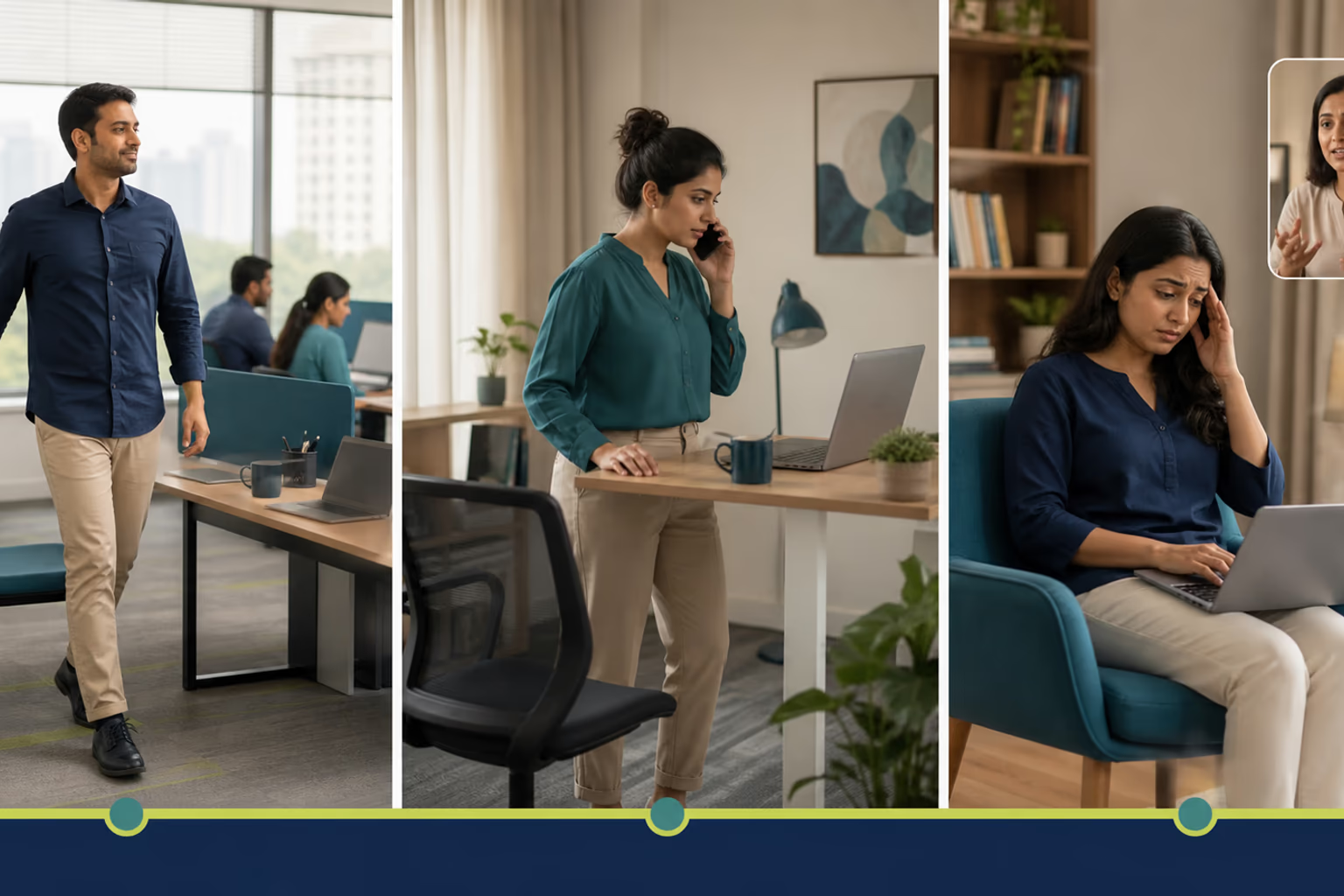
Your minimum 5-Minute reset: just one move
Start with the minimum version of a reset. If five minutes feels daunting or your schedule is compressed, pick a single movement. Stand up from your chair, reach your arms overhead, or take a gentle seated twist. Spend one or two minutes breathing slowly and noticing the change in your posture. This small action breaks the momentum of the screen-heavy workday without demanding extra preparation or equipment.
Expanding your reset: A normal 5-Minute routine
When you have a slightly wider window between calls, expand your break into a five-minute sequence. Combine standing, gentle stretching, and deliberate breathing. Move at a comfortable pace that suits your environment, whether you work in a quiet home office or a shared space.
Prime Tempr helps desk-based readers compare trainers, short practices and nearby classes when self-directed movement breaks need more structure.
Making it stick: habits for consistent movement
Consistency matters more than intensity. Instead of aiming for a flawless daily streak, tie your movement breaks to existing cues, such as closing a video window or the final chime of a meeting. Keep expectations realistic. Some days are too chaotic for even a brief pause, and that is entirely normal.
When to seek more support
Self-directed movement is a helpful starting point, but it has limits. If you experience persistent discomfort, or if you find it difficult to build a sustainable habit on your own, you may benefit from external guidance. You can Find a yoga teacher or Browse yoga programmes to explore structured options tailored to desk-based routines. You can also Find practical movement support or search for local studios when you want in-person feedback. Explore Movement for Desk-Job Days for more ideas on integrating movement into a sedentary job.
Honest Trade-offs and limits
A five-minute reset has clear boundaries. It does not replace a full workout, nor does it cure chronic physical pain or instantly fix poor posture. The primary benefit lies in interrupting sedentary time and easing minor stiffness. Small, repeated changes throughout the day support long-term well-being better than occasional, intense bursts of exercise.
Your 5-Minute reset menu
Use this practical checklist to guide your breaks between calls.
- Choose your minimum: Select one simple movement, such as a standing stretch or a gentle twist, to perform for one to two minutes.
- Scale up normally: If time allows, add a second movement or gently extend your breathing exercises to fill a normal five-minute break.
- Set a gentle cue: Place a sticky note near your monitor or set a soft reminder to prompt your next transition.
- Know your limits: Stop immediately if you feel pain, dizziness, numbness, or any unusual symptoms. Static guidance is not enough if discomfort persists; consult a healthcare professional.
- Seek structured help: If self-directed pauses feel insufficient for your needs, Find yoga near you or compare professional trainers for personalized support.
Follow-along reflection
Use the prompts below to review the idea in context, without turning it into a diagnosis or a fixed rule.
Your 5-Minute reset menu
- Choose one simple movement (e.g., standing stretch, gentle twist) to do for 1-2 minutes.
- Add a second movement or extend the first for a 'normal' 5-minute break.
- Set a reminder for your next break.
- If self-directed movement feels insufficient, explore Prime Tempr trainers for personalized guidance.
Trade-offs to keep in view
- Five minutes won't replace a full workout or solve chronic pain.
- Consistency with small movements is more impactful than occasional intense sessions.
- Some days, even five minutes might feel impossible, and that's okay.
If this approach does not fit
Start with the minimum version of a single movement, then gradually add more as time and comfort allow. If self-directed breaks are not enough, explore trainer-led options.
Questions to carry forward
- Why is a short movement break important between calls?
- What can I realistically do in just five minutes?
- How can I make these breaks a consistent habit?
- What if I have very limited space or time?
- When should I seek more structured support for movement?
Sources
- Computer Workstations (opens in a new tab), Occupational Safety and Health Administration
- Physical Activity Fact Sheet (opens in a new tab), World Health Organization
Watch alongside this guide
Five movements you can do at your desk
This concise Mayo Clinic demonstration gives readers a visual menu for changing position during a workday. Use only comfortable options and stop for pain, dizziness, numbness or unusual symptoms.
The YouTube player stays unloaded until you choose to watch. Loading it connects to YouTube and may allow that service to process usage data.