How Yoga Teachers Can Embed Video, Audio, and Social Posts with Control
Choose, review, and publish external media for yoga articles while maintaining complete trust and strong page performance.
https://primetempr.com/blog/safe-embeds-yoga-teachers-video-audio-social
Independent yoga teachers use articles to explain ideas, demonstrate movements, share conversations, and build community. Video, audio, and social posts can help, but each embed introduces another platform, a new privacy decision, and potential content volatility.
The useful question is not “Can I embed this?” It is: Does this external item make the reader's next decision easier?
This guide offers a practical approach to choosing formats, reviewing trade-offs, and publishing external media without surrendering editorial control.
The short answer
Use video when motion provides essential evidence, audio for sustained conversations, and a social post when the original public conversation is key. For useful external items that do not require in-article playback, use a reviewed link.
Avoid loading every player when the page opens. A click-to-load pattern prioritizes article readability and allows readers to decide whether to engage with a third-party platform.
Choose the format by the reader's job
| Reader's job | Best format | Good example | Prefer a link card when… |
|---|---|---|---|
| See a movement or sequence | Video | A short pose breakdown with captions | The video is only background context |
| Listen to a detailed conversation | Audio | A teacher interview or business podcast | One quotation or resource page is enough |
| Inspect an original public conversation | Social post | A timely announcement or community thread | The post is likely to be deleted or requires login |
| Study a process or comparison | Original image or table | A decision diagram created for the article | A third-party visual has unclear usage rights |
| Download or inspect a project | Reviewed link | A GitHub repository or public toolkit | The repository itself is the destination |
This strategy prevents an article from becoming a stack of players interspersed with text.
Video: demonstrate movement and technique
Video is essential when readers need to see timing, direction, or sequence. It is useful for pose breakdowns, short flows, prop setup, studio walkthroughs, and software demonstrations.
Before embedding a video, check four things:
- Relevance: Does the specific clip answer a question raised in the surrounding paragraph?
- Accessibility: Does it have accurate captions, and does the article still explain the essential point in text?
- Consent: Do you have permission from every identifiable student or participant?
- Fallback: If the video disappears, will the article still make sense?
YouTube provides a privacy-enhanced embed domain, and its player supports parameters that control behavior. Privacy-enhanced mode reduces some pre-play tracking, but it does not remove the need to explain that the reader is about to contact an external service. See the YouTube privacy-enhanced embed guidance (opens in a new tab) and player parameters (opens in a new tab).
A practical approach displays a poster, title, relevance note, and a “Load YouTube” button first. The player is created only after the reader chooses to activate it.
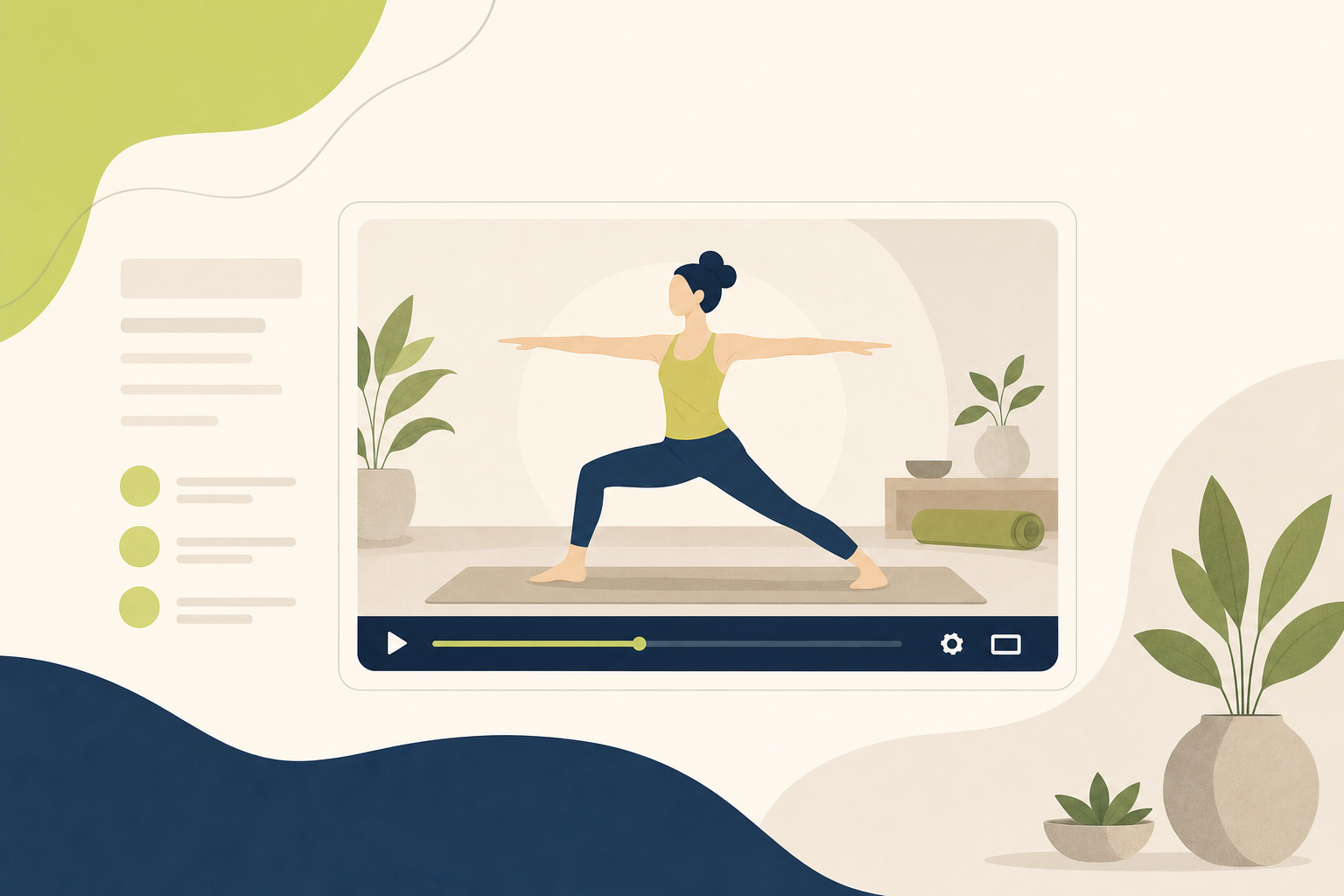
Watch alongside this guide
Recorded beginner practice example
A concrete example readers can inspect when evaluating what movement-led video communicates.
The YouTube player stays unloaded until you choose to watch. Loading it connects to YouTube and may allow that service to process usage data.
Audio: share depth without demanding a screen
Audio is a better fit when visual demonstration adds little, such as for interviews, teaching reflections, philosophy discussions, guided listening, and long-form business conversations. It allows readers to continue while walking or travelling, but the article should still summarize the episode relevance.
Use audio for:
- an interview whose tone and full context are important;
- a guided practice designed specifically for listening;
- a detailed discussion that would be awkward as a short video;
- an episode that expands one section rather than replacing the whole article.
Spotify supports embeds for shows, episodes, tracks, albums, and playlists. Its official documentation also provides an oEmbed route for resolving supported content. Review Spotify Embeds (opens in a new tab) before relying on a particular content type.
For teachers building a broader publishing system, connect each audio item to a defined topic rather than adding it randomly. The Growing a Yoga Business cluster is one place where teaching, operations, and audience-building resources can remain connected.
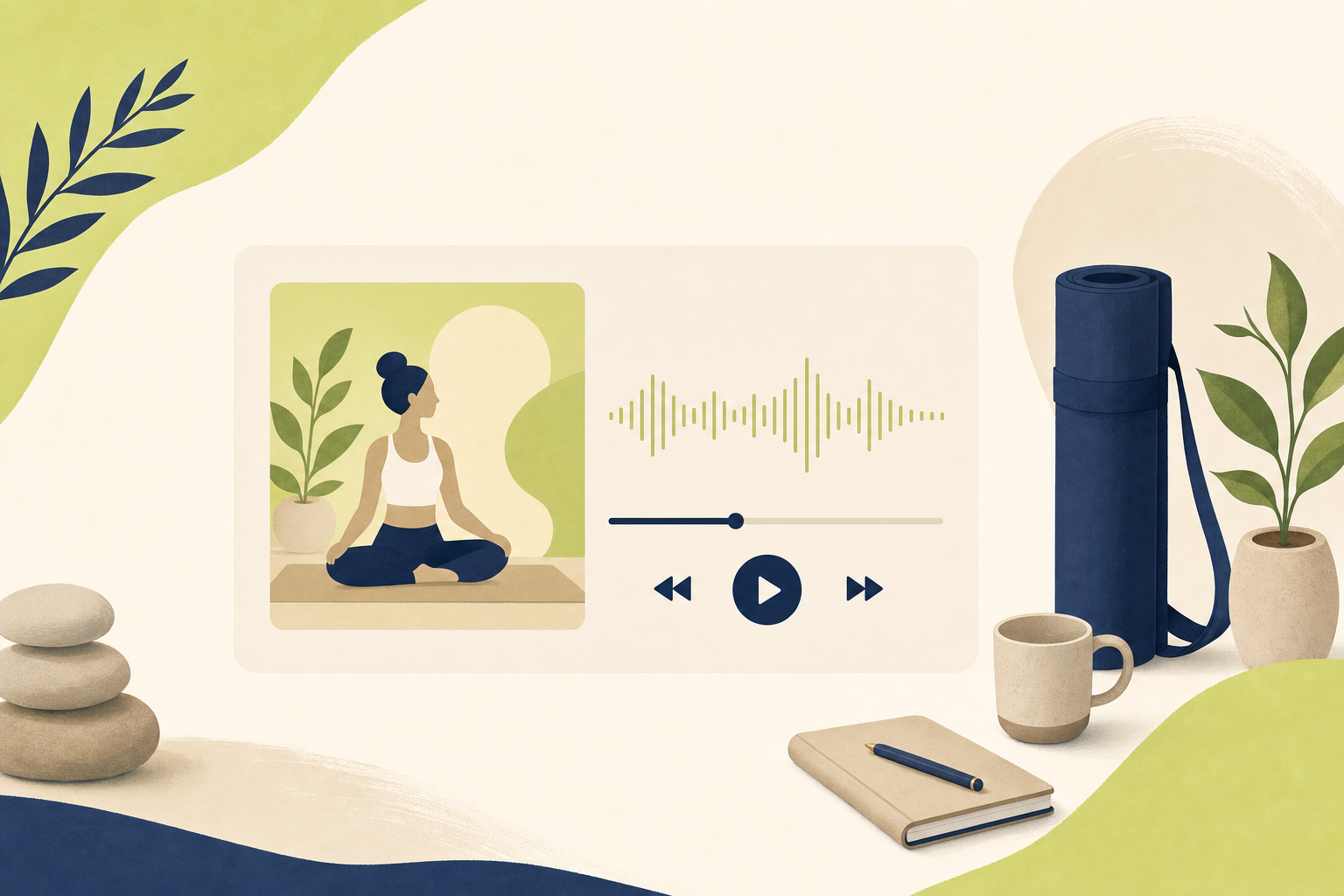
Watch alongside this guide
Yoga business audio example
A yoga-teacher business show that demonstrates when a long-form conversation belongs in audio.
The Spotify player stays unloaded until you choose to watch. Loading it connects to Spotify and may allow that service to process usage data.
Social posts: preserve context, not decoration
A social embed is most valuable when the original post itself matters: for a public announcement, a short demonstration, a community response, or a thread the article analyzes. It is weak when included only to make the page look busy.
TikTok's official player supports a controlled iframe and does not autoplay by default. X supports public post embeds, but the result depends on the original post remaining public and available. If an X post is deleted, protected, or tied to a suspended account, embedded media can stop loading. The TikTok player documentation (opens in a new tab) and X embedded-post guidance (opens in a new tab) describe those platform behaviours.
This volatility changes the editorial decision. Summarize the essential point in your own words, label the source, and treat the embed as supporting context, not as the sole copy of important information.
What should be embedded and what should be linked?
A direct embed is justified when all of these are true:
- the original media is essential to the point;
- the provider has a stable, documented embed contract;
- the content is public and suitable for your audience;
- a reviewer has checked relevance, rights, and context;
- the page has a useful fallback if the item disappears;
- the player waits for the reader's action.
A reviewed link card is the better choice when a platform embed is fragile, login-dependent, invasive, or inconsistently supported. Instagram posts, LinkedIn posts, GitHub projects, research papers, event pages, and open-source resources can still be useful without executing third-party scripts inside the article. A good link card includes a title, source, a one-sentence relevance note, and a clear external-link label.
A governed workflow for rich blog content
Prime Tempr governed Content Engine stores provider-normalized media records instead of pasted HTML. Every external embed and visual requires human approval. It blocks autoplay and asks the reader to click before a third-party player loads.
Prime Tempr Content Engine supports YouTube, Vimeo, Spotify, TikTok, and X. Instagram, LinkedIn, GitHub, and other resources remain reviewed link cards.
That boundary is deliberate. An editor submits a canonical source URL and explains why it belongs at a specific section. The workflow normalizes supported URLs, rejects unknown or insecure forms, and stores the provider and external identifier separately. A reviewer can then approve or reject each item. Only approved media attached to an approved Content Engine run reaches the public article.
Images follow the same principle. Cover and inline visuals are planned with a purpose, placement, alt text, and caption. AI-generated assets remain in review until a person inspects visual quality, yoga representation, and rights metadata. A missing or rejected asset prevents publication when the media strategy requires it.
A seven-point review before publishing
Use this checklist for every proposed item:
- Purpose: Write one sentence explaining what the reader gains.
- Placement: Put it immediately after the section it supports.
- Source: Confirm the canonical HTTPS URL and original publisher.
- Rights and consent: Check ownership, participant permission, and usage terms.
- Accessibility: Provide meaningful surrounding text, captions where available, and descriptive alt text for original images.
- Resilience: Make sure the article still works if the external content disappears.
- Privacy and performance: Require an intentional click before loading third-party code.
If you cannot clearly answer the first question, remove the embed. A smaller number of well-explained items is more useful than a gallery of unrelated media.
Common mistakes to avoid
Treating an embed as evidence
An embed can illustrate a claim; it does not verify the claim. Keep the source ledger and editorial references separate from optional media.
Loading players on page view
This makes every reader pay the performance and privacy cost, even when they never use the media. Load the player after a click.
Depending on a social post for essential instructions
Social content changes. Restate essential information in the article and provide the post as context.
Using AI images without review
Check hands, joints, props, studio details, cultural cues, and readable text. Reject any visual that teaches unsafe alignment or invents product interfaces.
Embedding a platform just because it is supported
Technical support is not editorial relevance. Each item still needs a purpose, a placement, and human approval.
FAQ
Do embeds always slow down a blog?
A fully loaded third-party player can add network requests, scripts, and layout work. A click-to-load placeholder keeps those resources off the initial page and loads them only for readers who choose to interact.
Is YouTube's privacy-enhanced mode enough by itself?
No. It is a useful provider option, but a publisher should still disclose the external service and avoid loading the player before the reader asks for it.
Should Instagram and LinkedIn posts be embedded?
Usually, a reviewed link card is the more durable default. It preserves context and attribution without making the article depend on an inconsistent or login-sensitive player.
Can an embed replace a written explanation?
No. Explain the essential point in the article so it remains accessible, searchable, and useful if the media is unavailable.
How many embeds should one article contain?
There is no universal number. Start with the smallest set that materially helps the reader. For most focused guides, one or two well-placed items is enough.
Final decision rule
Embed only when the media itself conveys meaning that text or a stable link cannot deliver as effectively. For all other cases, use an original visual, a comparison table, or a reviewed link card. This approach yields a faster, clearer article and gives readers control over when an external platform enters their visit.
Watch alongside this guide
Why a business plan matters
This official planning primer adds a practical operating frame to the article's yoga-business decisions. Source: U.S. Small Business Administration. This optional video is context, not evidence or personal instruction.
The YouTube player stays unloaded until you choose to watch. Loading it connects to YouTube and may allow that service to process usage data.