How to Set Up a Laptop at the Dining Table for a Workday
Learn realistic ways to adjust your dining table laptop setup, reduce neck strain, and manage long workdays without discomfort.
https://primetempr.com/blog/how-to-set-up-a-laptop-at-the-dining-table-for-a-workday
Working from a dining table often forces awkward neck flexion, poor wrist angles, and prolonged static sitting because dining chairs and tables are rarely proportioned for all-day computer use. Setting up a laptop at a dining table for a full workday requires accepting ergonomic compromises. Success depends on simple height adjustments and scheduled position changes rather than seeking a perfect posture.
The realities of working from a dining table
Dining tables and chairs are designed for eating meals, not for eight hours of typing and reading. Standard dining tables are often fixed at a height that does not match your torso length, and wooden or metal dining chairs lack adjustable armrests, lumbar support, and pneumatic height controls.
Trying to force standard furniture into an office workstation role creates specific failure modes. Many people treat a dining table setup as a permanent ergonomic fix rather than a temporary or shared space compromise. Others slouch forward without any height support under the laptop or feet, or remain completely static for hours because the workstation feels stable.
The primary trade-off is that dining tables are typically higher or lower than standard office desks and lack adjustable features. Using cushions or books for height can create instability if not balanced properly. A workstation should support neutral, comfortable positions, but even a good setup should allow regular changes of position.
Minimum adjustments for seat and surface height
To make a dining chair and table usable for a workday, you need to bridge the gap between dining furniture dimensions and your body size.
If your feet dangle or your knees point upward because the chair is too high or too low, use stable household items to correct your alignment. Place a firm cushion or folded blanket on the seat to raise your eye level if you are sinking too low. If your feet do not rest flat on the floor, slide a sturdy box or stack of books under your desk to support your soles. This simple adjustment prevents lower back compression and keeps your weight evenly distributed.
Positioning your laptop and reducing neck strain
Laptops force a difficult compromise because the screen and the keyboard are attached. If the keyboard is at the right height for your hands, the screen is too low, forcing you to look down and strain your neck. If you prop the screen up to eye level, your hands reach too high.
If possible, plug an external keyboard and mouse into your laptop so you can elevate the computer screen to eye level using stable books or a laptop riser. If you must work directly on the laptop without accessories, angle the screen to minimize severe neck bend and keep your elbows close to your body with forearms roughly parallel to the floor.
Why regular position changes matter more than a fixed posture
No matter how carefully you prop your laptop or cushion your seat, sitting completely still for hours creates physical fatigue. All physical activity counts, any amount is better than none, and adults should limit sedentary time.
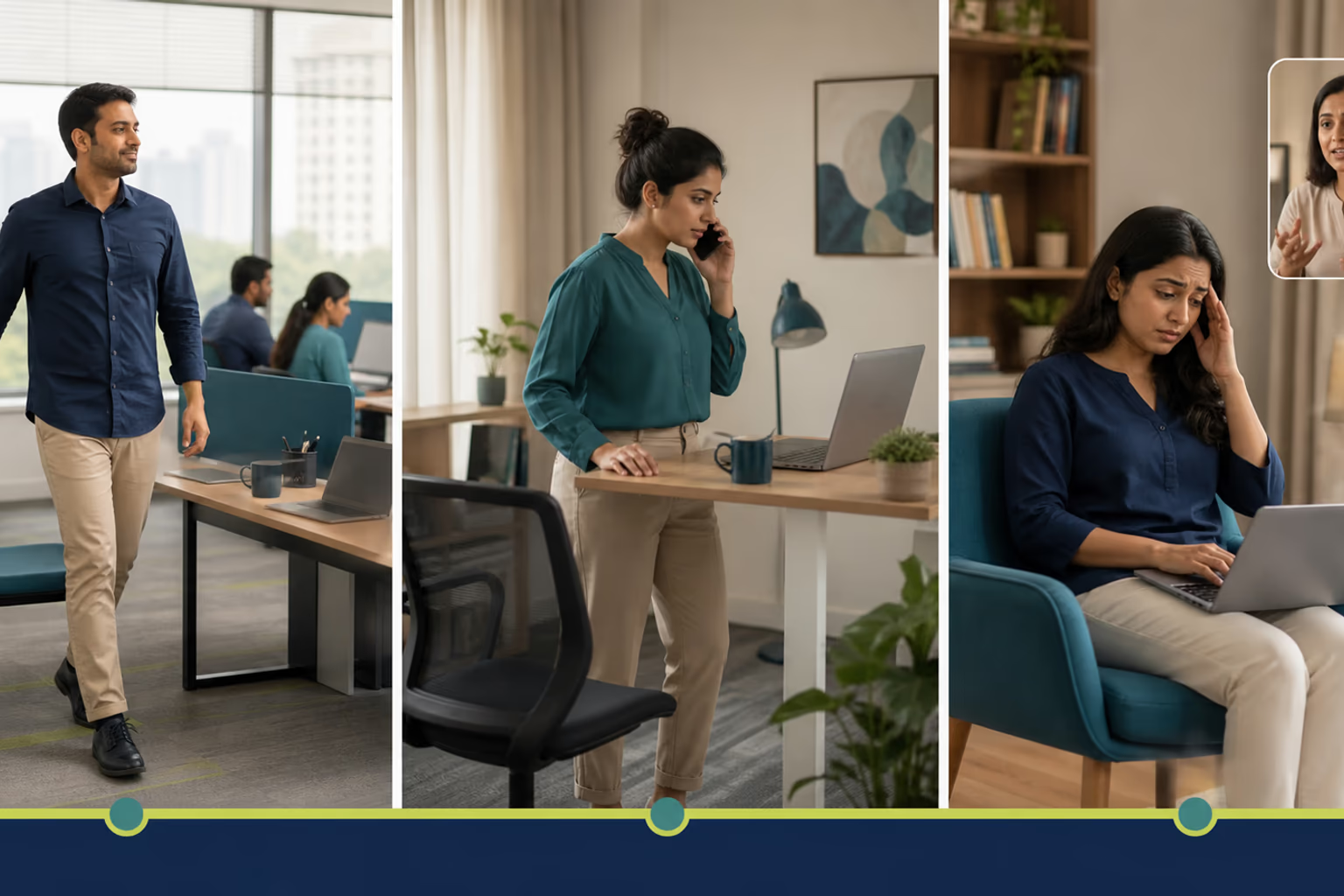
Plan regular position changes throughout the day rather than holding one static posture. Stand up during phone calls, walk around the room while reviewing documents, or shift your workspace briefly during natural pauses in your schedule. When the dining table setup starts causing stiffness, step away for a short movement break or switch to a standing position briefly.
When to seek structured movement support
Self-directed adjustments and movement breaks help manage the limits of a dining table workspace, but they have boundaries. If discomfort persists despite modifying your seat, screen height, and daily routine, it is wise to consult professional guidance.
Prime Tempr helps desk-based readers compare trainers, short practices and nearby classes when self-directed movement breaks need more structure or personal observation. Finding local classes or experienced trainers can provide personalized feedback that household adjustments cannot match.
Dining table workday setup checklist
Use this checklist to verify your workspace before a demanding screen-heavy day begins:
- Adjust seat height so feet rest flat on the floor or a stable footrest.
- Prop the laptop screen to eye level if using an external keyboard, or angle the screen to minimize neck bend.
- Keep elbows close to your body with forearms roughly parallel to the floor.
- Plan regular position changes throughout the day rather than holding one static posture.
- Take short movement breaks during natural pauses in your schedule.
Follow-along reflection
Use the prompts below to review the idea in context, without turning it into a diagnosis or a fixed rule.
Trade-offs to keep in view
- Dining tables are typically higher or lower than standard office desks and lack adjustable armrests.
If this approach does not fit
When the dining table setup starts causing stiffness, step away for a short movement break or switch to a standing position briefly, and use professional guidance if discomfort persists.
Questions to carry forward
- Why is a dining table challenging for an all-day computer workday?
- What are the minimum adjustments needed to make a dining chair and table usable?
- How do you position a laptop screen and keyboard without an external monitor?
- How often should you change your position during the day?
- When should you move away from a self-directed setup to get professional movement support?
Keep learning
Ready for the next step? Movement for Desk-Job Days.
Sources
Watch alongside this guide
Five movements you can do at your desk
This concise Mayo Clinic demonstration gives readers a visual menu for changing position during a workday. Use only comfortable options and stop for pain, dizziness, numbness or unusual symptoms.
The YouTube player stays unloaded until you choose to watch. Loading it connects to YouTube and may allow that service to process usage data.