How to Change Position During Calls Without Losing Focus
Shift your physical position during video calls to reduce sedentary fatigue without breaking concentration.
https://primetempr.com/blog/how-to-change-position-during-calls-without-losing-focus
Sitting through consecutive video calls leaves you stiff and fatigued, but trying to stretch or fidget on camera often feels awkward and breaks concentration. You can shift your physical position and reduce sedentary time during a demanding meeting without disrupting focus or compromising professional presence. The key is separating major movement from subtle postural shifts so you remain engaged while taking care of your body.
Why changing position matters during long calls
Official workplace guidance emphasizes that even an ergonomically sound workstation should allow regular changes of position. Staying locked in a single seated posture for hours strains the back, neck, and shoulders. At the same time, public health organizations note that all physical activity counts, any amount of movement is better than none, and adults should actively limit sedentary time. The challenge for desk-based workers is fitting these small changes into an environment dominated by webcams, chat windows, and tight meeting agendas.
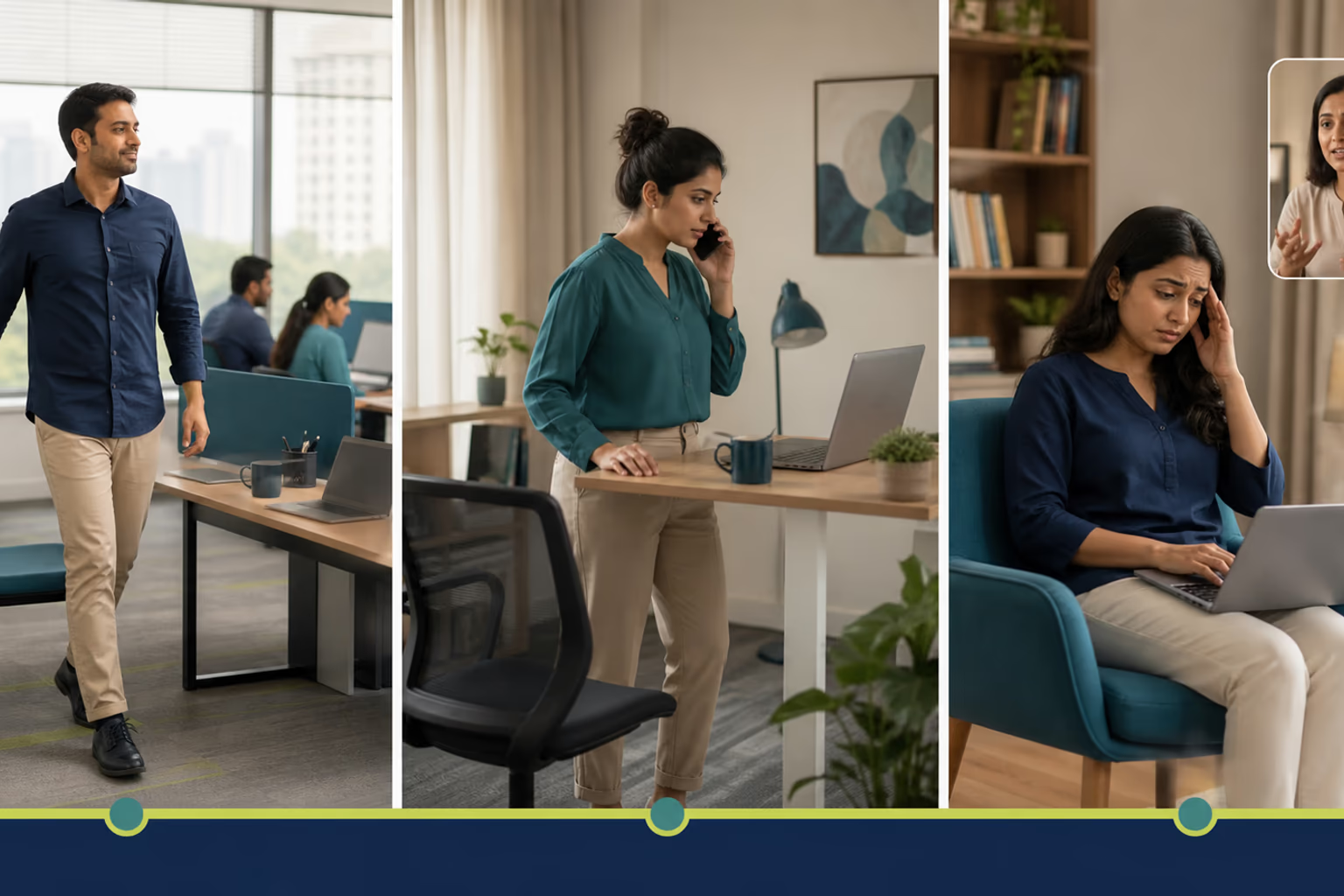
The minimum version: subtle seated adjustments
When you are actively presenting, speaking, or sharing your screen, your movement must remain invisible to your audience. The minimum version relies on micro-shifts that keep your joints mobile without changing your camera frame.
- Pelvic tilts: While listening to a colleague, gently rock your pelvis forward and back against your chair seat to release lower back tension.
- Ankle and wrist rolls: Circle your ankles under the desk and roll your wrists out of camera view to maintain circulation.
- Weight distribution: Shift your weight from one sit bone to the other every ten minutes during long monologues.
These subtle adjustments require zero camera disruption and keep your mind anchored on the discussion.
The normal version: purposeful standing and micro-shifts
When you are on a listening-only basis or participating in a large group meeting where your camera can be toggled or your framing allows it, you can introduce larger positional changes.
- The seated-to-standing transition: If you use an adjustable sit-stand desk, raise it smoothly during a transition slide or a general Q and A session. Ensure your camera angle moves with you so you do not cut off your head mid-sentence.
- Seated spine extension: Interlace your fingers under the desk, press your palms downward, and lift your chest slightly while keeping your shoulders relaxed.
- Neck release: Turn your head slowly from side to side during a listening interval, keeping the movement smooth and unhurried.
Failure modes and recovery paths
Trying to overhaul your posture or sneak in a full workout during a high-stakes call creates predictable problems. Common failure modes include attempting complex stretches while presenting, which divides your attention and leads to awkward verbal stumbles. Standing up abruptly on a crowded video feed also causes jarring framing issues and distracts other participants. Finally, treating minor positional shifts as a full workout makes you lose track of meeting notes.
If an active position shift disrupts your focus, scale back immediately. Drop the standing transition and return to a simple seated foot roll or pelvic tilt. Save larger stretches and walking breaks for the gaps between calendar events.
Trade-offs and limits
Subtle position changes and desk fidgeting do not replace a full workout or undo the effects of hours of consecutive sitting. They are merely tools to manage stiffness and maintain alertness during heavy calendar days. Camera framing strictly limits how much physical adjustment you can make while remaining visible, meaning you must choose between staying on camera and taking bigger movement breaks.
The call-time position checklist
Use this quick reference to manage your posture and movement during demanding workdays without letting physical adjustments compromise your professional focus.
- Check your camera framing before making a standing or sitting adjustment.
- Use screen-off or listening-only moments for minor posture resets.
- Shift weight or adjust your seat height quietly during long monologues.
- Keep your notepad close so movement does not distract from note-taking.
- Choose one simple adjustment per call rather than trying a full routine.
Your next step for desk-job movement
When self-directed movement breaks need more structure or personal observation, Prime Tempr helps desk-based readers compare trainers, short practices and nearby classes. Explore Movement for Desk-Job Days to find structured routines, or read What to Do After Sitting Through a Long Online Meeting for recovery strategies. If you want tailored guidance, Find practical movement support to connect with local professionals who understand sedentary work constraints.
Follow-along reflection
Use the prompts below to review the idea in context, without turning it into a diagnosis or a fixed rule.
Trade-offs to keep in view
- Subtle position changes do not replace a full workout or undo hours of consecutive sitting.
- Camera framing limits how much physical adjustment you can make while remaining visible.
If this approach does not fit
If an active position shift disrupts your focus, scale back to a micro-movement like ankle rolls or a simple seated pelvic tilt, and rely on meeting breaks for bigger shifts.
Questions to carry forward
- Can I move during video calls without looking unprofessional?
- What physical changes work best when I need to keep listening and typing?
- How do I limit sedentary time while remaining locked into a demanding meeting?
- What are the failure modes when trying to stretch or stand on camera?
- When should I move on my own versus seeking guided movement support?
Sources
Watch alongside this guide
Five movements you can do at your desk
This concise Mayo Clinic demonstration gives readers a visual menu for changing position during a workday. Use only comfortable options and stop for pain, dizziness, numbness or unusual symptoms.
The YouTube player stays unloaded until you choose to watch. Loading it connects to YouTube and may allow that service to process usage data.