How to Alternate Sitting and Standing Without Buying a New Desk
Create desk posture variety and alternate sitting and standing using simple household adjustments instead of purchasing expensive new furniture.
https://primetempr.com/blog/how-to-alternate-sitting-and-standing-without-buying-a-new-d
You can create effective posture and position variety throughout a workday using low-cost household adjustments, targeted standing blocks, and brief movement breaks without investing in a dedicated adjustable desk.
If you want the positional variety of a standing desk but a new piece of furniture is not in your budget or space plan right now, you do not have to stay locked in one chair for nine hours. Desk-bound workers frequently assume that better posture requires specialized hardware. In reality, consistent movement and regular shifts in position matter far more than the price tag of your office gear.
Why position variety matters more than furniture
A workstation should support neutral, comfortable positions, but even a good setup should allow regular changes of position. Staying fixed in a single seated shape for hours creates muscular fatigue, stiffness, and unnecessary physical strain.
All physical activity counts, any amount is better than none, and adults should limit sedentary time. Breaking up long stretches of sitting helps maintain circulation and gives muscles a chance to reset. You do not need an automated standing desk to achieve this. Shifting your physical posture deliberately throughout the day offers a practical alternative.
| Posture Approach | Primary Benefit | Common Limitation |
|---|---|---|
| Fixed Seating | Stable, familiar, low energy cost | Promotes stiffness and hip tightness over long hours |
| DIY Standing Station | Low cost, uses existing items | Takes time to assemble and adjust manually |
| Commercial Sit-Stand Desk | Instant adjustment, high stability | Expensive, requires dedicated floor space |
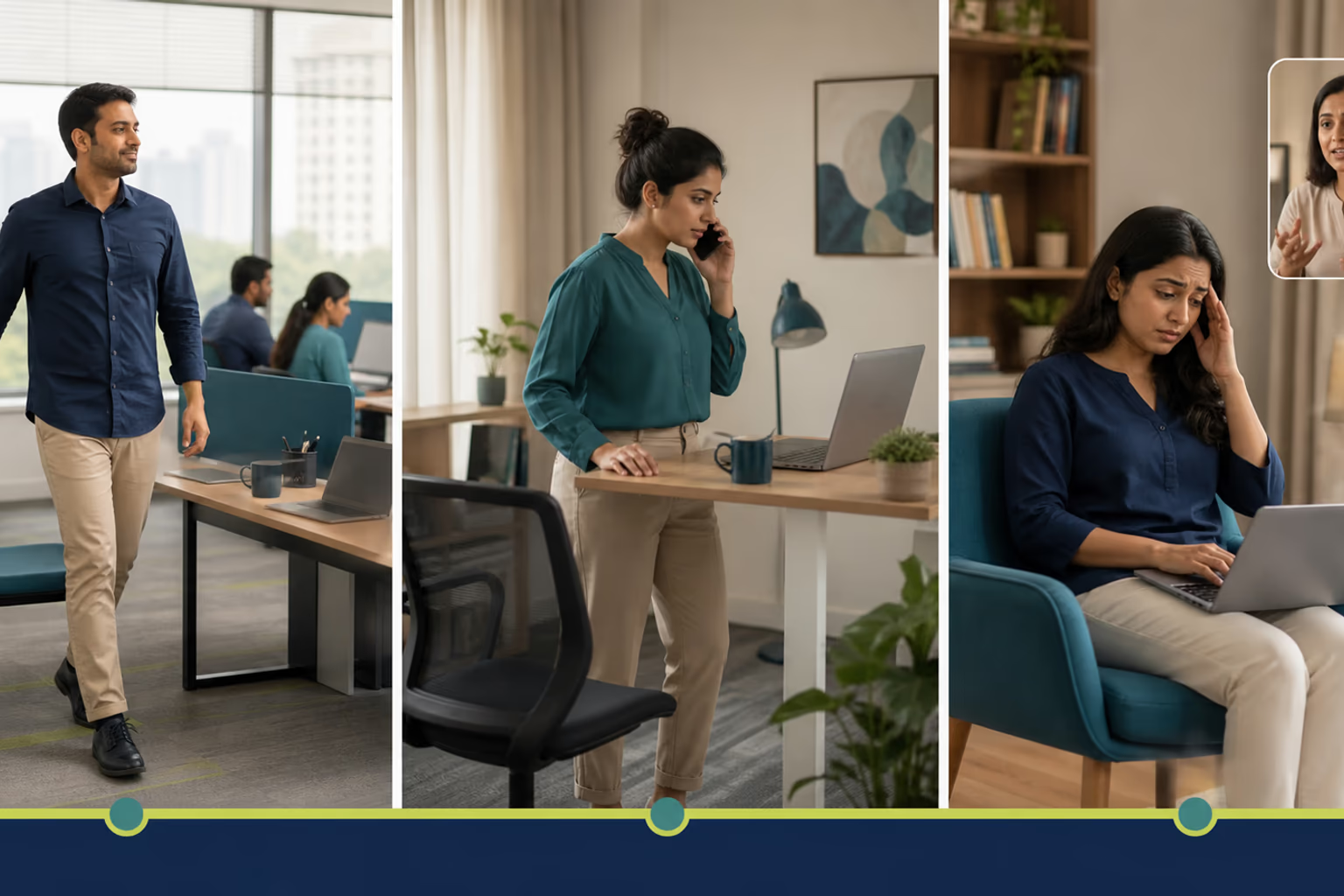
Building a low-cost temporary standing station
Creating a functional standing space without buying new furniture relies on using stable surfaces you already own. Look around your home for a high kitchen counter, a sturdy bookshelf, or an ironing board set to a secure height.
Place your laptop or monitor on this elevated surface so that the top third of the screen sits at or slightly below eye level. Keep your elbows bent at a comfortable ninety-degree angle when typing. Avoid stacking fragile boxes or unstable piles of books that might slip and drop expensive equipment. If a makeshift surface wobbles under your hands, it is not safe for continuous work. Lower your gear immediately and find a sturdier alternative.
A realistic schedule for alternating postures
Transitioning between sitting and standing works best when approached as a gradual habit rather than an all-or-nothing fitness test. Trying to stand for three hours straight on your first day usually leads to sore feet and lower back tension.
Instead, start with short, manageable blocks. Sit for forty-five minutes, then stand for ten to fifteen minutes while tackling lighter tasks like reading documents or answering quick emails. When you feel your legs tiring or your focus drifting back to physical discomfort, sit down. The goal is to reduce unbroken sedentary time, not to prove endurance.
Trade-Offs, limits, and knowing when to seek support
Improvised standing stations lack the instant, micro-adjustable fluidity of commercial desks. Transitioning between sitting and standing manually takes time and can interrupt your workflow if you do not plan ahead.
If an improvised standing setup feels unsteady or uncomfortable, immediately return to a seated neutral position, lower your work surface, or explore structured desk-friendly movement breaks. When self-directed position changes cause persistent discomfort, it is wise to consult a healthcare professional or explore guided movement support. Prime Tempr helps desk-based readers compare trainers, short practices and nearby classes when self-directed movement breaks need more structure or personal observation. You can also explore Find practical movement support to connect with qualified professionals.
For additional ideas on staying active during demanding work weeks, read Movement for Desk-Job Days and review A Realistic Movement Plan for a Nine-Hour Desk Job.
Improvised sit-stand workday checklist
Use this checklist to set up and manage your posture variety safely throughout the day:
- Identify one stable household surface, such as a bookshelf or high counter, for temporary standing work.
- Set a gentle reminder every 45 to 60 minutes to change position or take a short walk.
- Ensure your screen remains at eye level whether sitting or standing to protect neck alignment.
- Stop standing immediately if you experience foot pain, dizziness, or numbness.
- Explore professional guidance if self-directed posture adjustments cause persistent discomfort.
Follow-along reflection
Use the prompts below to review the idea in context, without turning it into a diagnosis or a fixed rule.
Improvised sit-stand workday checklist
- Identify one stable household surface (like a bookshelf or high counter) for temporary standing work.
Trade-offs to keep in view
- Improvised standing stations lack the instant, micro-adjustable fluidity of commercial sit-stand desks.
- Transitioning between sitting and standing manually takes time and can interrupt workflow if not planned in advance.
Questions to carry forward
- Can I effectively alternate positions without a height-adjustable desk?
- What household items can safely elevate a laptop or monitor?
- How long should I stand versus sit during a typical workday?
- What are the physical limits and trade-offs of improvised standing setups?
- When should I transition from self-directed micro-breaks to guided movement support?
Sources
- Computer Workstations (opens in a new tab), Occupational Safety and Health Administration
- Physical Activity (opens in a new tab), World Health Organization
Watch alongside this guide
Five movements you can do at your desk
This concise Mayo Clinic demonstration gives readers a visual menu for changing position during a workday. Use only comfortable options and stop for pain, dizziness, numbness or unusual symptoms.
The YouTube player stays unloaded until you choose to watch. Loading it connects to YouTube and may allow that service to process usage data.